Migos AI · Photos to a rap duo video
Migos AI Rap Video Generator From Two Photos
Upload two portraits or one photo of both people, choose a stage and video settings, then generate your rap duo video.
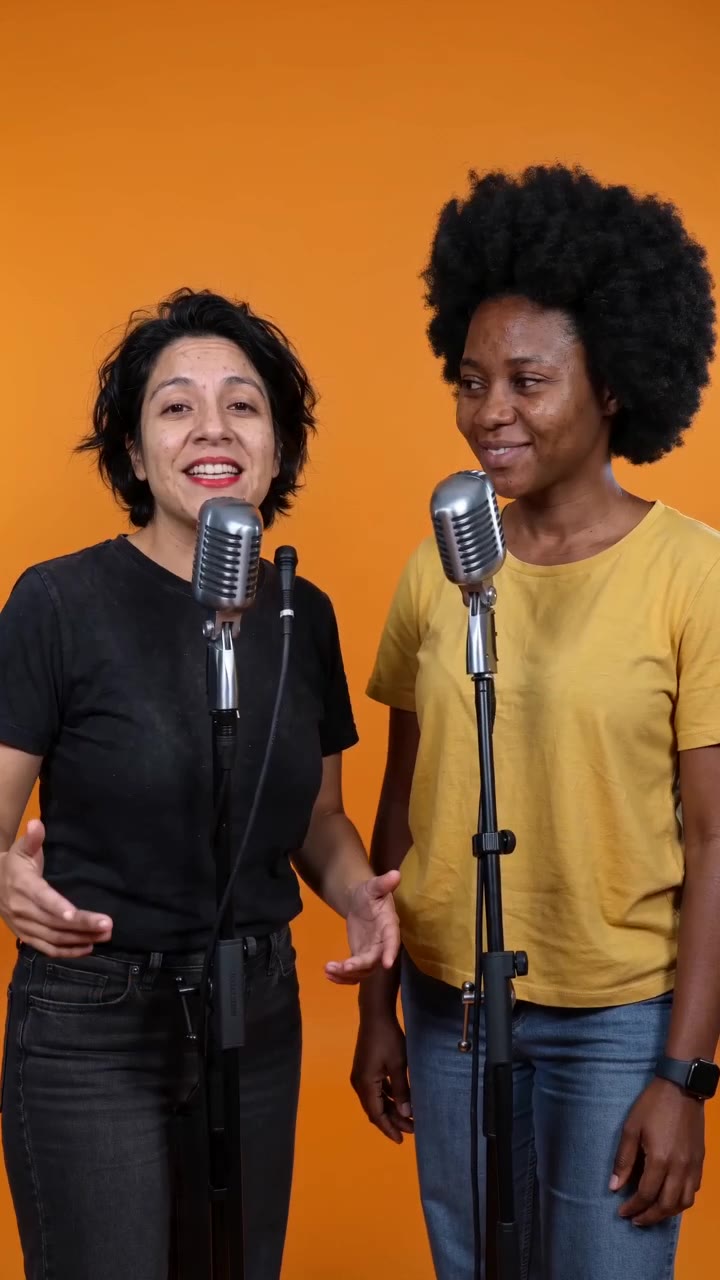 Demo · Hotel Lobby orange stage
See the scene. Pick your photos.
Example output
An orange-stage rap duo demo showing the scene and two people together. Actual results vary with your photos, topic and video settings.
How this Migos AI style works
Same generator as Hotel Lobby AI
Start with a Migos-inspired topic and the orange stage. The topic field contains a style description. Edit it with names, nicknames or your own story, then choose your video settings. A topic description does not guarantee a particular rhythm, flow or beat.
How to make your rap duo video
- 1
Upload your photos
Use two portraits, one per person, or switch to one photo of both people. Two photos is the default mode.
- 2
Pick a stage and video settings
The Hotel Lobby orange stage is selected by default. Choose your stage, model, resolution, duration and aspect ratio.
- 3
Edit the topic and generate
Change the suggested topic with names or an occasion. After generation, review, play and download the result from My Videos in your account.
Photo tips
What you can make
A video for friends or a duo
Use your own photos and add nicknames, a shared memory or a story about your friend to the topic.
An orange-room rap clip
Choose the orange stage for a two-person clip, or select another stage and video format in the studio.
Migos AI and Hotel Lobby AI
Here, both pages lead to orange-room rap duo videos. This page starts with a Migos-inspired topic, while the Hotel Lobby page explains the orange-stage style. Both use the same generator.
Migos AI FAQ
Make your rap duo video
Choose your photos, add your own topic and start in the studio above.